Cracking the Storage Shell: How Misconfigurations Exposed an Azure Blob Flag
A CTF walkthrough demonstrating how Azure Logic Apps, Base64 role tampering, and permissive SAS tokens exposed sensitive blob data.
Disclaimer (Educational Use Only)
This walkthrough describes a challenge from a controlled CTF environment. The concepts are for educational and defensive purposes only. Never test cloud infrastructure without explicit authorization.
Introduction
Some of the most instructive cloud security lessons appear where least expected. The Storage Showdown Remastered challenge at BSidesCharm 2025’s Cloud Village demonstrated exactly how a chain of small misconfigurations on Azure can snowball into full data exposure.
Nothing exotic.
Nothing overly technical.
Just:
- a public logic app endpoint,
- a manipulable Base64 parameter,
- a permissive SAS token, and
- subtle request-format nuances.
Pieced together, these gave complete read access to a protected Azure Blob container holding the CTF flag.
This write-up breaks down the full exploitation flow and what it teaches about securing cloud workloads.

Understanding the Challenge Setup
Participants were shown a static Azure-hosted website with tiles describing storage services. It looked harmless-marketing-like, simple, and intentionally unremarkable.
But inspecting the HTML uncovered something unusual: a hidden iframe pointing to a Logic App invoke URL.
Logic App URLs should never be publicly exposed because they execute workflow logic on behalf of an Azure tenant. Yet here, one was embedded directly in the page.
Step 1 - Investigating the Hidden Iframe
Inside the HTML source existed a tag like this:


When accessed directly, the iframe URL returned JSON-like internal logs.
This was the first major finding: a backend workflow responding publicly.
But then one parameter in the URL stood out:

That looked Base64.
Decoding it produced:

A clear indicator that user roles were handled through this parameter-revealing a critical design flaw.
Step 2 - Testing the Base64 Role Parameter
If ctfplayer=user dictated access level, what would happen if it were changed?

Transforming:

Encoding it back to Base64:
Replacing the original parameter with this new value triggered a completely different server response.
Instead of generic values, the Logic App returned detailed internal logs:
- session IDs
- handler names
- workflow timestamps
- cleanup tasks
- operational checklists
And most importantly:
a reference field with a Shared Access Signature (SAS) URL to an Azure Blob container named admin.
Example snippet:

This was the pivot point:
Role tampering → Logic App privilege escalation → SAS token leak.
Step 3 - Understanding the SAS Token
Azure SAS tokens define delegated permissions.

This one contained:
- sp=rl → read + list
- sr=c → container-level scope
- st/se → start & expiry timestamps
- sig → HMAC signature
This meant anyone with the URL could enumerate blobs and read them-provided they formatted the request correctly.
Attempting to visit the SAS URL directly produced:
This was expected: Azure was interpreting the request differently than the SAS token allowed.
Time to correct the request structure.

Step 4 - Fixing the SAS Request Format
Container-level SAS tokens require the request to explicitly specify:
Appending these parameters instructed Azure to interpret the request as a container listing operation.
However, another subtle issue appeared:
The signature ended with %3D (URL-encoded =).
Azure requires the raw base64 padding character, not the URL-encoded version.
After replacing %3D with =, the corrected request became:
This time Azure returned:
The container listing was now fully accessible.

Step 5 - Retrieving the Flag
With confirmation that flag.txt existed, the next step was simply making a direct blob request.
Removing:
And appending:
Final request:
Output:
Challenge solved.

What This Teaches About Secure Cloud Configurations
Real cloud systems fail in the exact ways this CTF simulated. Each step mirrored common misconfigurations found during professional assessments.
1. Never expose Logic App Invoke URLs publicly
Logic Apps should require:
- authentication,
- IP allowlists,
- private endpoints,
- or API Management in front.
Direct exposure risks execution of internal workflows.
2. Never trust client-side role indicators
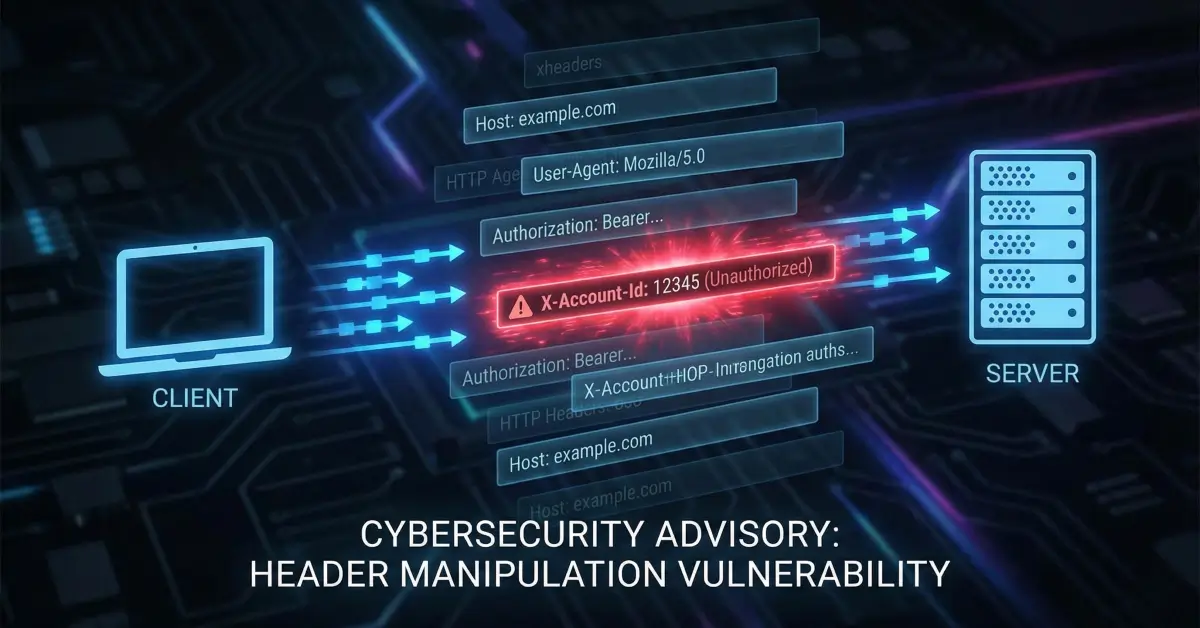
A Base64 string determining access level is a catastrophic anti-pattern.
Authorization must always be server-controlled.
3. SAS tokens must be treated like secrets
They should follow:
- minimum permissions,
- short expiry windows,
- container- or blob-specific scoping,
- strict logging and rotation.
Leaked SAS tokens are equivalent to leaked credentials.
4. Request interpretation matters
Azure strictly validates:
- canonicalized resource paths,
- signature byte order,
- correct request type markers.
Small mismatches can inadvertently grant unintended access.
5. Internal logs should never be returned to clients
The Logic App response leaked:
- operational notes,
- workflow internals,
- administrative references,
- and sensitive URLs.
Debug output belongs in logs-not HTTP responses.
Troubleshooting Notes & Pitfalls
SAS signature mismatches
Usually caused by:
- URL-encoded
=characters, - incorrect canonical resource string,
- wrong HTTP verb,
- missing
restype/compparameters.
Logic App URL leakage
Happens frequently in:
- exposed JavaScript bundles,
- mobile apps,
- embedded iframes,
- CI/CD artifacts.
Base64 encoding mistakes
Extra whitespace or missing padding (=) breaks backend behavior-sometimes in exploitable ways.
Final Thoughts
The Storage Showdown Remastered challenge showcased a realistic exploitation chain:
- Hidden Logic App endpoint
- Manipulable role parameter
- Privilege escalation
- SAS token extraction
- Signature correction
- Blob enumeration
- Flag retrieval
This was not luck-it was a sequence of predictable failures.
Cloud security is rarely about a single fatal flaw.
It’s about how small cracks align into a breach path.
Ensuring secure defaults, strict validation, and careful token handling can prevent misconfigurations like this from ever reaching production.