Lab: SQL injection UNION attack - retrieving data from other tables
Step-by-step, beginner-friendly walkthrough: use a UNION-based SQL injection to retrieve usernames and passwords from another table, then log in as administrator. Includes exact payloads (placeholders), troubleshooting, and defensive guidance.
⚠️ Disclaimer
This write-up is strictly for educational, defensive, and authorized lab practice only (PortSwigger Web Security Academy or your own test environments). Never use these techniques on systems you do not own or explicitly have permission to test. The payloads and extraction steps shown here are lab examples only.
TL;DR
In this lab I used a UNION-based SQL injection against the product category filter to retrieve entries from a separate users table, then used the retrieved administrator credentials to log in. The critical steps were:
- Determine how many columns the original query returns (UNION column count).
- Identify which columns accept text (find a text-capable column).
- Craft a
UNION SELECTthat pullsusernameandpasswordfromusers. - Use the disclosed administrator credentials to authenticate and solve the lab.
The successful extraction payload (sanitized with placeholders) looked like:
This article explains each step in detail, why it works, how to troubleshoot, and how developers can prevent such attacks.
For background on SQLi fundamentals and UNION techniques, read our pillar: The Ultimate Guide to SQL Injection (SQLi).
1 - Lab objective & quick overview
Lab goal (PortSwigger): Exploit a SQL injection in the product category filter to retrieve all rows from the users table (columns username and password) via a UNION SELECT, and then log in as the administrator using the retrieved credential.
This lab combines two prior techniques: column-count determination and identifying a text-capable column. The difference here is we move from probing to actual data extraction and then use the data to authenticate.
High-level steps I planned before touching the app:
- Confirm the column count (if unknown).
- Confirm a text-capable column is available and rendered.
- Use
UNION SELECT username, password FROM usersaligned to the correct column positions. - Extract credentials and attempt login (in lab context only).
2 - Recon: capture the filter request (placeholders used)
I started by intercepting the filter request with Burp Proxy while browsing the product list. The sanitized request is:
Observing that the category parameter is used to select products confirmed the injection surface. Because the application returns query results in the HTML, UNION is an effective extraction mechanism.
Note: if your app uses POST or JSON for filters, the same technique applies - you just inject the payload in the appropriate location.

3 - Step 1: ensure correct column count & text columns (short recap)
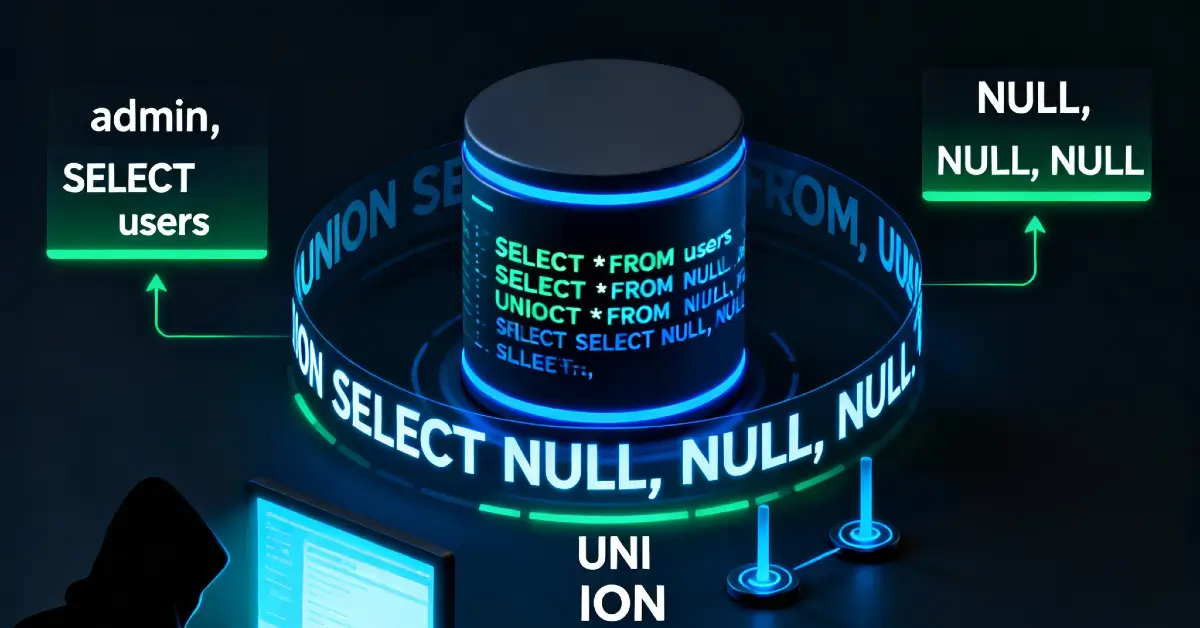
If you haven't already determined the column count and text-capable columns, do that first (see the previous labs). Quick recap:
- Probe with increasing
NULLplaceholders:
- Replace
NULLwith a short unique string to find a text-capable column:
In this lab the target query returned two columns, and both columns were text-capable (so we can return username and password directly into those positions).
4 - Step 2: craft the extraction payload
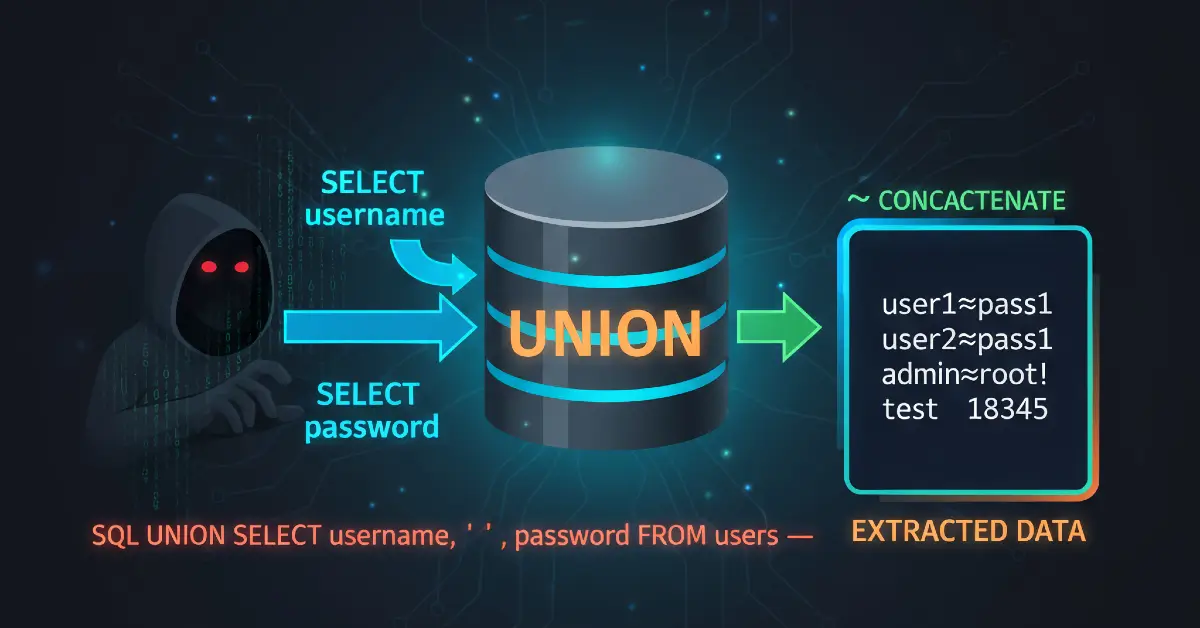
Once you know the number of columns and which columns can display strings, craft a UNION SELECT that returns the desired columns. Because the original query expects two columns in this lab, the extraction payload is straightforward:
Key points:
- We reference the
userstable and select the columnsusernameandpassworddirectly in theUNION SELECT. - The injected columns must align with the original query's column count and ordering.
- If the app places the first returned column into product name and second into product price, the
usernameandpasswordvalues will appear where product data normally is rendered. In labs this output is visible and searchable in the page HTML.
Practical tip: wrap the payload in proper URL encoding when testing through a browser, or use Burp Repeater to avoid manual encoding headaches.

5 - Sending the request and validating results
I sent the crafted payload via Burp Repeater. The successful response included a row with usernames and passwords that looked like typical lab dump output. Example (sanitized example of what to look for in HTML - do not publish real credentials):
carlos : 8d5f...wiener : 748h...administrator : 26r2...
Once you identify an admin password in the response:
- Copy the admin username and password (lab-only).
- Use Burp or browser to POST to
/loginwith<USERNAME>and<PASSWORD>from the extraction. - Confirm you can access admin-only pages or see the “logged in as administrator” indicator - the lab marks solved when admin access is validated.
Example login flow (placeholder request):
If login succeeds, you've completed the lab objective.


6 - Why this extraction works (technical explanation)
UNION merges the results of two SELECT statements. If the attacker can control the second SELECT, they can return any data the DB account can read. The database engine concatenates the two result sets if column counts/types match. Because the app renders the combined result into HTML, attacker-controlled values appear in the page.
Important considerations:
- The web app’s DB user must have SELECT privileges on the
userstable - many misconfigured apps allow this. - If either column is not text-capable, you may need to cast or reorder columns to match types (advanced).
- Some apps sanitize or filter keywords like
UNION- in that case, additional techniques or different injection contexts are required.
7 - Troubleshooting extraction issues
Common issues and how I handled them:
- No visible data but no error: The
UNIONsucceeded but the injected row isn’t rendered where you expected. Search the entire HTML for a unique token or try different column orderings. - Permission denied on
userstable: The DB user might lack access. In real assessments, note the limitation - you cannot extract without permissions. In labs, permissions are typically sufficient. - WAF blocking
UNIONorFROM: Try small obfuscations only in authorized labs or use Burp to test variations. Example obfuscation (lab-only):UNI/**/ON- but avoid evasion on production without permission. - Type mismatch: If
usernameis text but the corresponding original column is numeric, the union may fail. UseCAST()or select only columns that are compatible. - Large results: If the table is large, limit results with
LIMITor extract specific rows to avoid noisy output. Example:
- Data encoding/HTML escaping: If the site HTML-encodes or escapes output, search the source for encoded strings (e.g.,
t46tDZmay appear ast46tDZor encoded variants). Use unique tokens.
8 - Defensive perspective (how developers should fix & detect)
This is the heart of a safe, production-ready response: prevention and detection.
8.1 Eliminate dynamic SQL concatenation
- Prepared statements / parameterized queries are the primary defense. Never directly concatenate user input into SQL.
- Use ORM query builders that separate structure from data.
8.2 Map user input to internal identifiers
- Map categories to internal numeric IDs or enumerations. Lookups by ID remove string injection surfaces:
8.3 Least privilege database accounts
- The web app’s DB user should only have access to tables necessary for the public page. Ideally, the account powering the product listing should not be able to read admin-only
userstables.
8.4 Hide error messages & limit info leakage
- Disable verbose DB error messages in production. Generic errors reduce the attacker’s ability to refine probes.
8.5 WAF and runtime detection
- WAFs can detect
UNION-style probes and flag repeatedNULL-probe patterns orUNION SELECTsequences in parameters. - Example SIEM alert: multiple requests from the same IP containing
UNION SELECTorusername,password FROMwithin an hour.
8.6 Code reviews & CI tests
- Add automated tests that exercise filter endpoints with common injection probes (
UNION SELECT NULL) in staging. Fail builds when injection succeeds.
8.7 Rotate and restrict secrets
- Treat database-resident secrets carefully: rotate admin credentials and avoid storing sensitive API keys in tables readable by front-end accounts.

9 - Ethical considerations & reporting practice
If you find credentials or sensitive data during an authorized test:
- Do not exfiltrate or publish the data beyond verifying the lab or authorized scope.
- For bug bounties: follow the program’s disclosure policy - provide proof, steps to reproduce, and remediation suggestions without posting raw credentials.
- For internal assessments: immediately notify owners, provide a remediation plan, and assist with verification after fixes.
10 - Real-world examples (impact & chain attacks)
These examples show how UNION-based extraction escalates:
Example A - Admin takeover from public filter
An e-commerce product filter allowed UNION probes. Attackers extracted admin credentials, logged in, and changed pricing and coupon rules. The resulting fraud caused both financial loss and customer trust issues.
Example B - Crawl + extract pipeline
Automated attackers used UNION probes across multiple category endpoints to harvest configuration data and user metadata, building a large dataset for credential stuffing campaigns.
Example C - Pivot to internal services
Extracted API keys or internal hostnames enabled attackers to query internal services, escalating from data leakage to lateral movement.
These incidents illustrate a typical chain: reconnaissance → column enumeration → data extraction (UNION) → reuse of credentials or secrets → further compromise.
11 - Practice suggestions & safe exercises
To build proficiency:
- Repeat this lab until you can determine columns and extract a single row confidently.
- Practice limiting results (
LIMIT) and selecting specific fields to avoid noisy output. - Create a small local app that concatenates filter values; then fix it using prepared statements and validate the fix with the same probes.
- Pair this with the SQLi pillar content and related cluster posts to reinforce concepts.
12 - Final thoughts
This lab is an excellent demonstration of how small, seemingly innocuous filter parameters can lead to data extraction when combined with permissive DB permissions and dynamic SQL. The path is clear: remove concatenated SQL, use parameterized queries, map user inputs to safe internal IDs, and monitor for UNION-style probes.
References & further reading
- PortSwigger Web Security Academy - SQL Injection (UNION) labs.
- OWASP - SQL Injection Prevention Cheat Sheet.
- Database vendor docs for SQL syntax and casting (useful when handling type issues).