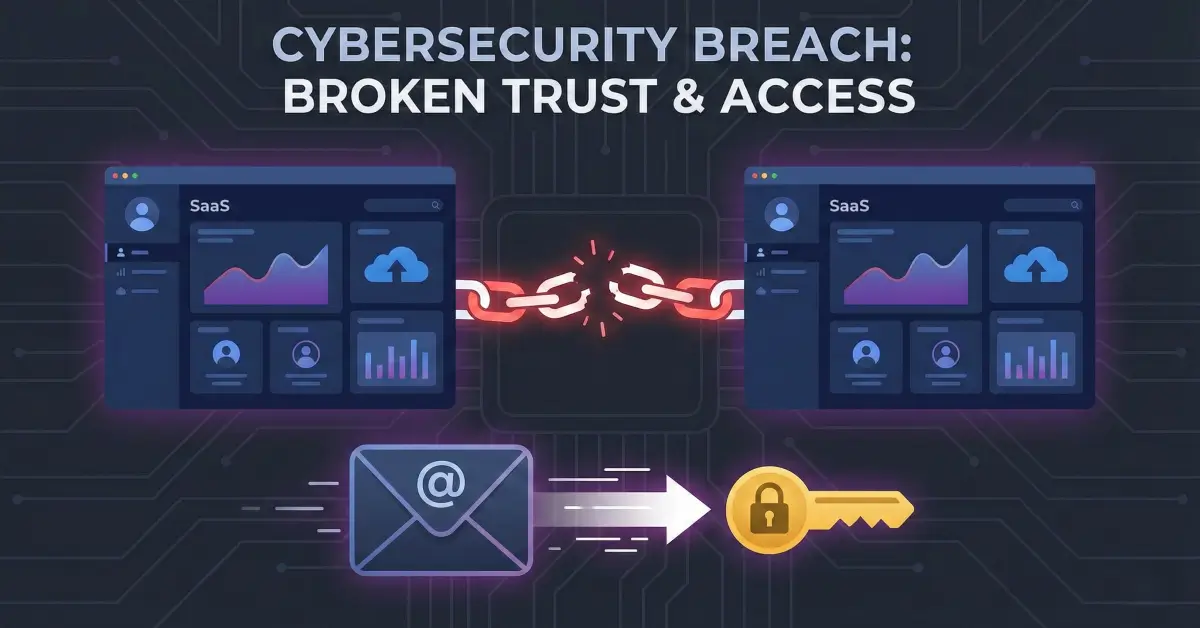
Stripe Subscription Escalation: How Default Behavior Enables Free Plan Upgrades
A misconfiguration in Stripe’s default subscription update behavior allowed users to access higher-tier paid plans without successful payments.
Disclaimer
This article is for educational and defensive security awareness.
The vulnerability described here was identified in a legally authorized environment and disclosed responsibly.
No merchants, customers, or payment systems were harmed during this research.
Introduction
Third-party integrations simplify development, but they also introduce hidden risks when developers rely on default configurations without reviewing how these services behave under real-world failure conditions. Stripe is a widely trusted payment processor used across SaaS platforms, marketplaces, and subscription-driven businesses - but even robust platforms can behave unexpectedly if developers don’t explicitly enforce security-focused options.
In this researcher finding, a misconfiguration involving Stripe’s default subscription update rules enabled an attacker to escalate their subscription tier to a premium $2,000/month plan without completing payment. The issue did not stem from a code vulnerability inside the target application; rather, it was caused by developers unintentionally trusting Stripe’s default behavior, which applies subscription updates even when payment fails.
This blog breaks down the security issue, explains why this misconfiguration is dangerous, demonstrates the exploit flow, and provides a defensive blueprint for implementing Stripe securely.

Understanding How Stripe Subscription Updates Work

Stripe subscriptions revolve around price IDs - unique identifiers that map to pricing tiers used by applications to determine user privileges. When a customer upgrades or downgrades their plan, Stripe issues an invoice based on the selected price_id.
A typical upgrade process looks like:
- User selects a new plan
- Backend calls Stripe’s subscription update API
- Stripe generates an invoice
- Payment succeeds → subscription is updated
- Payment fails → update should not apply
However, this researcher found that Stripe’s default behavior does not enforce step 5.
Stripe Default Behavior (Before Documentation Update)
Stripe’s original documentation stated:
“By default, Stripe applies updates regardless of whether payment on the new invoice succeeds.”
This means:
- If a user initiates an upgrade to a higher plan
- The payment fails (expired card, insufficient funds, locked card, etc.)
- Stripe still applies the subscription update
The application sees the new price_id and unlocks premium features, even though Stripe never collected money.
Beginner Breakout: Why price_id Matters
Every subscription tier in Stripe has a unique identifier (price_xxxxxxxxx).
Applications commonly check price_id to confirm access to:
- Premium features
- Admin dashboards
- API limits
- Enterprise modules
If a user can control or escalate their price_id, they can elevate their access without authorization.
Step 1 - Recon & Discovery


The researcher began by purchasing a standard subscription plan in a SaaS application integrated with Stripe. While reviewing network traffic, they noticed an API call like the following:
This endpoint accepted a price_id and attempted to update the user’s subscription accordingly.
Using Caido’s HTTPQL (HTTP query language), the researcher filtered for price-related requests and extracted:
- A list of all available
price_idvalues - Tiers corresponding to monthly and yearly pricing
- A premium plan priced at $2,000
Once the researcher had the target price_id, they attempted a manual upgrade.
The Payment Fails - But the Upgrade Still Applies
The next step was to perform an upgrade using a locked card (a card guaranteed to fail).
The expected behavior was:
- Stripe attempts to charge the card
- Payment fails
- Subscription remains unchanged
Instead:
- Payment failed
- But the application and Stripe both applied the update
- The researcher now had access to all $2,000-tier features
This was a textbook example of “misconfiguration by default.”
Step 2 - Understanding the Vulnerability

Stripe’s older documentation explicitly acknowledged this behavior. It stated that subscription updates occur regardless of whether payment succeeded. Developers needed to manually roll back any changes if the payment failed.
This default created systemic risk because many applications:
- Assume subscription updates only apply when payment succeeds
- Automatically unlock features based on updated
price_id - Do not cross-verify transaction states
- Lack logic to roll back failed upgrade attempts
The result:
A user could upgrade to the highest tier for free.
Why This Is a Broken Access Control Issue
The core vulnerability arises from:
- Relying on
price_idas an access control value - Trusting Stripe’s default update behavior
- Not verifying payment success
- Updating subscription without checking
latest_invoice.payment_intent.status
This misconfiguration aligns with:
- OWASP A01:2021 - Broken Access Control
- CWE-306: Missing Authentication for Critical Function
- CWE-863: Incorrect Authorization
- CWE-840: Business Logic Errors

Step 3 - Building the Exploit (Safe, High-Level)
All steps below reflect controlled, ethical testing by the researcher.
1. Obtain Valid price_ids
Using Caido’s traffic filtering or network inspection, identify pricing identifiers such as:
2. Trigger the Upgrade
Send a request similar to:
3. Use a Payment Method Guaranteed to Fail
Attempt payment using:
- Expired card
- Insufficient funds
- Locked card
- Test cards (for Stripe test mode)
4. Observe Behavior
Expected:
Subscription remains unchanged.
Actual observed behavior:
- Payment fails
- But subscription updates
- Account receives premium features
This bypasses the paywall entirely.
Beginner Breakout: Why Stripe Still Applied the Update
Stripe applied the update first.
Payment verification happened after subscription change logic.
Without additional parameters, Stripe did not enforce a “payment-first” model.
Step 4 - Executing & Confirming the Exploit
The researcher confirmed the escalation by:
- Checking API responses
- Viewing the new subscription level
- Accessing locked premium features
- Validating that
price_idhad changed despite failed payment
The attack required no manipulation outside of normal workflow.
There was no exploit payload, no tampering, no special trick - only misuse of documented behavior.
This makes it even more dangerous because:
- Any user aware of this misconfiguration could exploit it
- Many apps rely entirely on
price_idfor access enforcement - Most developers never realize Stripe applies updates “eagerly”

Defensive Perspective
Stripe does provide secure options - but developers must explicitly enable them.
1. Use payment_behavior="pending_if_incomplete"
Stripe officially recommends using the payment_behavior parameter when updating subscriptions. Example:
This ensures:
- Subscription does NOT update immediately
- Invoice is created but marked incomplete
- Stripe only applies changes after successful payment
2. Validate Subscription Changes Server-Side
Your backend must verify:
Check payment_intent.status == "succeeded" and invoice.status == "paid" before granting access.
3. Audit All Subscription Update Logic
Identify whether the system:
- Updates database roles before payment
- Unlocks features before transaction finalization
- Automatically accepts subscription changes
4. Use Webhooks for Final Authorization
Enforce updates only after receiving webhook events such as:
5. Harden API Endpoints
Ensure attackers cannot:
- Modify pricing tiers
- Access
/update-subscriptionwithout authentication - Supply arbitrary price IDs
Implement strong server-side validation of allowed price_id values per environment and per customer.

Real-World Impact
If implemented incorrectly, Stripe subscription logic can allow:
| Impact | Description |
|---|---|
| Free Premium Access | Users access costly plans without paying |
| Revenue Loss | High-tier features unlocked without transactions |
| Business Logic Abuse | Attackers exploit flawed payment workflows |
| Role Escalation | Upgrading to admin-level or enterprise tiers |
| Compliance Risks | Incorrect billing records, audit failures |
Applications relying on default behaviors risk severe financial and security implications.
Troubleshooting & Pitfalls
“But My Stripe Dashboard Shows Payment Failed!”
Yes - but Stripe had already applied the update locally.
Your app needs to revalidate status server-side.
“Webhook Didn’t Fire - So How Did the Update Apply?”
Webhook events fire after invoice creation, but subscription updates may already be applied unless pending_if_incomplete is used.
“Users Can See Higher Tier Options - Should That Be Hidden?”
Yes. Never expose raw price IDs that users can directly manipulate.
“Does Stripe Consider This a Vulnerability?”
No - this is a misconfiguration, not a product flaw.
Stripe expects developers to choose secure behaviors via explicit parameters.
Final Thoughts
This case highlights a critical truth for developers:
Secure defaults are not always defaults.
Stripe offers powerful subscription tools, but using them safely requires:
- Understanding default behaviors
- Enforcing payment-first subscription updates
- Validating access server-side
- Never trusting client-supplied price IDs
This vulnerability was responsibly disclosed, rewarded by bug bounty programs, and noted by Stripe as an informative documentation improvement. The underlying issue persists in many applications today - meaning awareness and proper implementation remain essential.
References
- Stripe Subscription API Documentation
- Stripe Invoices & Payment Intents
- OWASP Business Logic Abuse
- CWE-306, CWE-863, CWE-840
- Researcher’s Responsible Disclosure Summaries