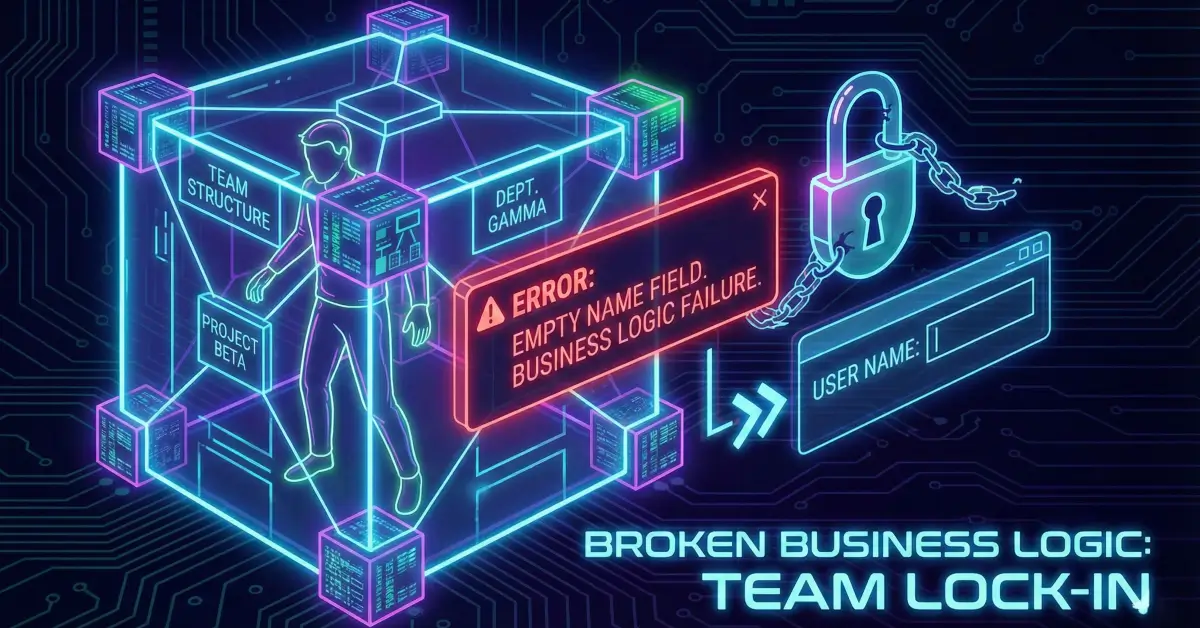
How an Empty Team Name Became a Full Account Entrapment Vulnerability
A deep dive into a subtle yet severe business logic flaw where an empty whitespace team name created irreversible account lock-in.
⚠️ Disclaimer
This write-up is strictly for educational and defensive cybersecurity learning. All analysis is based on responsibly disclosed research. Do not attempt these techniques on systems you do not own or lack explicit permission to test.
Introduction
Some vulnerabilities announce themselves loudly: SQL injection, XSS, SSRF. Others hide quietly between assumptions, waiting for a user to perform just the wrong action at just the right time. This case belongs to the second category - a business logic flaw with no traditional payload, no malformed request, and no cryptographic bypass. Instead, a single missing validation check created a situation where a user could be permanently trapped inside a team, unable to leave regardless of intention.
This breakdown re-creates the original researcher’s findings in a structured, engineering-oriented style. The issue is subtle: an empty or whitespace-only team name breaks the “Leave Team” mechanism because the system requires the user to type the team name for confirmation. When the team name is blank, the user cannot enter anything valid, leaving them trapped indefinitely.
On the surface, it sounds almost comical. In reality, it is a serious denial-of-service against user autonomy, team structure, and business workflows.
Understanding the Application Context
The target platform operates around collaborative teams. A user can be:
- A team owner, with high-level privileges
- A member, with more restricted abilities
- Or promoted/demoted based on organizational needs
The logic appears straightforward:
- A team has a unique name.
- Users with sufficient privileges can update that name.
- Leaving the team requires typing the current team name for confirmation.
This becomes dangerous when the system accepts a team name that is effectively empty.

Step 1 - Normal Team Creation and Invitation
A standard onboarding workflow happens via GraphQL. The owner invites a collaborator:
From here, the invited user joins and may later be promoted to owner. Everything functions as expected… until the malicious step enters.
Step 2 - Privilege Escalation (Legitimate Flow)
The original owner promotes another member to the owner role. This is a normal administrative action.
Nothing malicious yet. No vulnerability exploited.
This is precisely what makes business logic flaws dangerous - they exploit valid features, not broken sanitizers or outdated libraries.
Step 3 - The Silent Exploit: Updating the Team Name to Whitespace
This is where the vulnerability appears.
The team name can be changed to a string consisting only of whitespace:
There is no server-side validation preventing this.
- No minimum length requirement
- No check for empty or whitespace-only input
- No normalization via
.trim()
The database now stores a team name that visually appears blank.
To users, the team has no name.

Step 4 - The Trap Is Activated
When the original owner attempts to leave the team, the platform displays:
“Please type the team name to confirm.”
But the team name is empty.
So the confirmation request looks like:
Since the required team name is " " (whitespace), and the UI neither displays it nor allows blank confirmation, the user becomes permanently unable to leave.
Why it is impossible to leave
- You cannot type “nothing” to confirm.
- You cannot enter whitespace if the UI trims input.
- Even if whitespace is allowed, you cannot visually verify it.
- There is no fallback (admin override, email confirmation, etc.).
The account is effectively locked into the team forever unless platform support intervenes.
Victim Perspective
The experience is both frustrating and alarming.
- Open Team Settings → Leave Team
- See confirmation prompt requesting: “Please type the team name”
- Input field is blank
- No matter what you type, the platform rejects the request
- You cannot delete the team because you are not the sole owner
- You cannot demote the malicious owner
- You cannot remove yourself
The user’s autonomy is eliminated by a trivial missing validation check.

Root Cause: A Trio of Business Logic Failures
1. Missing Input Validation
The function responsible for updating the team name had no defensive guardrails.
Vulnerable version:
A secure version must trim, validate, and reject invalid values:
2. A Broken “Leave Team” Recovery Mechanism
The “Leave Team” flow requires typing the team name.
This is a very common UX pattern (confirmation prompts), but for sensitive operations, a fallback is critical.
Here, there was no alternative:
- No “confirm via email”
- No “confirm with your password”
- No “use original team name stored in DB before whitespace update”
- No admin override unless support manually intervenes
3. Dangerous Assumptions
The system implicitly assumed:
- Team names would always be valid and non-empty
- Confirmation prompts would always match user-visible data
- Owners would behave responsibly
Security failures often stem from trusting input and trusting people.
Impact Analysis
While this isn’t remote code execution or financial fraud, the impact is serious:
Technical Impact
- Permanent account entrapment
- Loss of user autonomy
- Denial-of-service on account mobility
- Inability to transfer or exit an organization
Business Impact
- Damaged user trust
- Increased support overhead
- Legal implications (GDPR/CCPA right-to-delete/right-to-exit)
- Risk of internal disputes escalating into platform abuse
Abuse Scenarios
- A disgruntled co-founder sets a blank team name to trap others
- An attacker who gained temporary owner access locks victims in
- A malicious insider prevents users from exiting unwanted collaborations
This is not “theoretical harm.” It directly affects user rights and organizational workflows.
Remediation: How the Platform Should Fix It
The fix requires changes to validation, workflow, and recovery logic.
1. Enforce strict team-name validation
Reject:
- Empty strings
- Whitespace-only inputs
- Names below a minimum length
- Non-printable characters
2. Provide alternative confirmation mechanisms
A robust “leave team” action should support:
- Password confirmation
- Email/SMS challenge
- Original name fallback token
- Admin override (automated, not manual)
- Multi-step confirmation instead of relying solely on text matching
3. Normalize all names server-side
Perform .trim() before storing or validating. Never trust front-end validation alone.
4. Log abnormal mutations
Changes such as:
- Setting name to blank
- Setting name to invisible characters
- Multiple sequential name changes
…should trigger anomaly warnings or require explicit verification.

Defensive Takeaways for Developers
1. Business logic must be treated like security logic
If a feature affects ownership, access, or irreversible actions, it requires:
- Input validation
- Abuse-case modeling
- Escape hatches
2. “Just a string field” is never “just a string field”
A team name is not decorative; it is involved in:
- Identity
- Authorization
- Confirmation flows
- UX navigation
Breaking it breaks more than you think.
3. Avoid single points of failure in confirmation workflows
Never rely on a single confirmation value when user loss or lock-in is possible.
Takeaways for Security Researchers
- Always test empty, whitespace, very long, and malformed inputs.
- Business logic flaws often sit in “boring” features - messy but high-impact.
- Look for confirmation flows that depend on user-provided values.
- Try to break workflows, not just code paths.
Sometimes, a “simple” manipulation reveals the biggest vulnerabilities.
Closing Thoughts
This vulnerability demonstrates how user experience and security are inseparable. A missing validation check turned into a complete denial-of-exit scenario, impacting autonomy, trust, and workflow continuity. It is a reminder that the smallest assumptions in business logic can create the largest disruptions.
Robust validation, thoughtful UX design, and escape mechanisms are not luxuries - they are essential security features.