Lab: SQL injection attack, listing the database contents on Oracle
Step-by-step, beginner-friendly walkthrough: enumerate Oracle schema (tables & columns) via UNION SQLi, extract user credentials, and log in as administrator. Includes exact payloads (placeholders), Burp Repeater workflow, defenses, and troubleshooting.
⚠️ Disclaimer
This article is strictly educational and defensive. Use these techniques only in authorized environments such as PortSwigger Web Security Academy or your own lab. Do not test or exploit systems you do not own or have explicit permission to test.
TL;DR
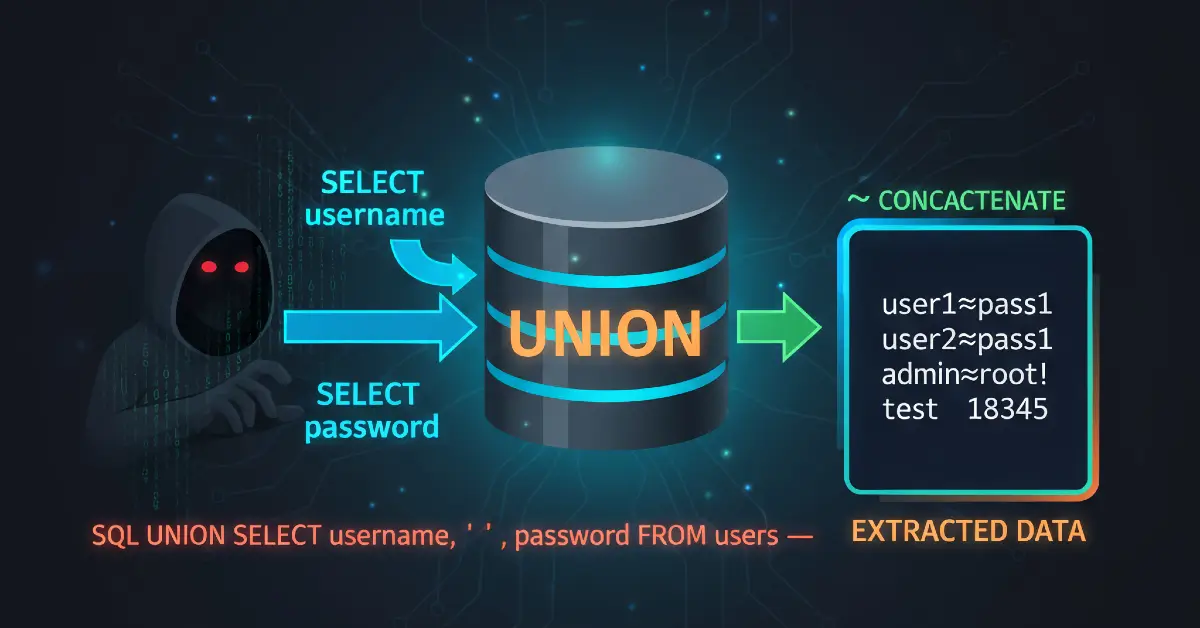
This lab teaches how to exploit a UNION-based SQL injection against an Oracle-backed application to enumerate database schema (tables & columns) and extract user credentials.
High-level flow:
- Confirm injection in
/filter?category=. - Discover number of returned columns and which accept text using
UNION SELECT ... FROM dual. - Enumerate tables via
all_tables. - Enumerate columns via
all_tab_columns. - Extract
USERNAMEandPASSWORDfields and log in asadministrator. - Fix it: parameterize queries, restrict DB privileges, block unsafe parser features, monitor egress.
Below is a full beginner-friendly, step-by-step walkthrough with exact payloads (use <LAB_HOST> placeholders), troubleshooting tips, a defensive playbook, and real-world context. All payloads are for authorized labs only.
1 - Introduction & why this matters
When a web app reflects database output in HTTP responses, a UNION SQL injection can append extra rows from arbitrary queries. On Oracle, crafting these UNION SELECT queries requires a FROM clause - usually dual for single-row selects - and knowledge of column counts and compatible types.
Why enumerate database contents?
- It reveals table names and column names that hold secrets (users, passwords, tokens).
- It enables targeted extraction of sensitive data.
- Knowing the DB type/version helps craft effective, DB-specific payloads.
This lab is a safe way to learn schema enumeration and to understand the defensive steps teams must take.
2 - Lab setup (tools & environment)
Tools I used:
- Burp Suite (Proxy, Repeater)
- A browser configured to proxy through Burp
- The PortSwigger lab environment (replace host with
<LAB_HOST>in PoCs)
Important: always keep the environment legal. The Academy only accepts tests inside their labs.
3 - Understanding the target & initial recon
Open the product catalog and observe the category filter. When you click a category (for example Pets), the app requests:
Because the page displays product listings based on category, it likely runs a SQL SELECT ... WHERE category = '<value>' on the backend. If the input is not parameterized, it may be injectable.
My first step: capture that request in Burp Proxy and send it to Repeater.

4 - Confirming SQL injection & safe probing
In Repeater, test for simple injection signals. Never run destructive queries.
Start with a simple probe (single quote) to check for syntax errors:
If the response changes or a server error shows, it indicates the input flows into SQL. Next, test a harmless UNION with dual (Oracle requires a table):
If you get a 500 or error, that usually means column count mismatch. Increase NULL placeholders until the response stops erroring:
When the correct number of NULLs makes the response return 200 OK, you’ve matched the original query’s column count (example: 2 columns). That is critical for successful UNION attacks.

5 - Identify which columns accept text
Once you match column count, test text compatibility:
If Her or ish appears in the rendered HTML, those columns accept string data. This tells you you can request string fields (like BANNER, username, password) into that column.

6 - Enumerate table names (all_tables)
Now we enumerate database tables accessible to the connected DB user:
Notes:
all_tablesreturns tables visible to the current user.- Use uppercase table names in Oracle metadata queries.
- The response will show many table names - look for ones with
USER,USERS,ACCOUNTS,AUTH, or other likely names.
Example results may include USERS_JTFVSM, ORDERS, PRODUCTS, etc. Pick the candidate that looks like it stores credentials (commonly includes USERS).

7 - Enumerate columns in the user table (all_tab_columns)
With a table name identified (for example USERS_JTFVSM), list its columns:
Important Oracle detail: metadata views often store table names in uppercase; ensure the WHERE uses the correct case.
This should return column names like USERNAME_UUZDPT, PASSWORD_CZSNYO, EMAIL_... etc. Identify which columns most likely hold usernames and passwords.

8 - Extract usernames and passwords
Now that you have column names, request actual data from that table:
The page response should include rows of usernames and passwords (the app reflects query results). Copy the administrator row (or other target credentials), then use them to login via the regular /login page.


9 - Practical Repeater workflow (concrete sequence)
- Capture
GET /filter?category=Petsin Burp Proxy. - Right-click → Send to Repeater.
- In Repeater, run
UNION SELECT NULLwith increasingNULLs until the server does not error. Note number of columns. - Test
'abc'string injections to identify text-capable columns. - Run
UNION SELECT table_name,NULL FROM all_tablesto list tables. - Find a likely user table name.
- Run
UNION SELECT column_name,NULL FROM all_tab_columns WHERE table_name='USERS_XXXX'to list columns. - Run
UNION SELECT usernameCol,passwordCol FROM USERS_XXXXto extract data. - Use extracted credentials to login and confirm lab solved.
Document each request/response (screenshots), sanitize sensitive fields with <LAB_HOST> placeholder before sharing.
10 - Troubleshooting common issues
| Symptom | Likely cause | Fix |
|---|---|---|
| 500 Internal Server Error | Column count mismatch | Add or remove NULLs until correct count |
| No visible injected output | Non-text column or output filtered | Use string literals to locate text-compatible columns |
ORA-00942: table or view does not exist |
Table not accessible or named differently | Check all_tables and ensure correct uppercase table name |
| Results incomplete | App truncates output or sanitizes HTML | View full response source (Ctrl+U) or increase returned field size |
| WAF blocks payloads | Input filtering / WAF active | Try subtle syntax changes or encoding in authorized testing only |
When in doubt, test slowly and verify each intermediate step before moving on.
11 - Defensive perspective (must-have remediation)
This section is mandatory for reports and AdSense safety. Focus on fixes engineers can implement.
11.1 Primary fix - Parameterized queries
Use prepared statements and bind parameters. Example (pseudo):
Parameterization prevents input from changing SQL structure.
11.2 Input validation & allowlists
For category, accept only known categories (e.g., Pets, Gifts) or numeric IDs. Reject input with SQL metacharacters in production.
11.3 Principle of least privilege
The DB account used by the web app should not have rights to access metadata views (all_tables, all_tab_columns) or other schemas unless required. Restrict privileges and remove access to sensitive system views.
11.4 Error handling
Do not show raw DB errors to users. Log them internally and present a generic error page.
11.5 Monitoring & detection
- Log and alert on unusual queries that access metadata views.
- Monitor for repeated
UNIONpatterns in HTTP inputs. - Alert on database reads of unexpected tables by web accounts.
11.6 CI & automated tests
Add regression tests that check for injection vulnerabilities in staging. Include simple UNION SELECT probes that must fail.
12 - Short real-world cases (why this is urgent)
- A retail site allowed category values to be concatenated into SQL. Attackers enumerated tables and stole hashed credentials, which they later cracked. The incident forced password resets and regulatory notification.
- A legacy admin panel used a high-privilege DB account. Metadata access was allowed and attackers discovered internal service accounts. Least-privilege controls would have stopped the enumeration.
These examples show that schema enumeration is often the first step in a larger breach.
13 - Quick remediation checklist (copy-paste)
- Replace dynamic SQL concatenation with prepared statements.
- Implement category allowlists and type checks.
- Restrict DB account privileges (no metadata access unless necessary).
- Remove verbose DB error messages from responses.
- Add logging + alerts for metadata queries and
UNION-like patterns. - Add staging tests to detect SQLi regressions.
14 - Reporting guidance (how to present PoC safely)
When you prepare a report:
- Provide sanitized request/response examples (use
<LAB_HOST>and mask session IDs). - Include Repeater screenshots showing
table_nameenumeration and the finalusername/passwordextraction (mask actual passwords in public docs). - Provide prioritized remediation steps (parameterization first).
- If credentials were obtained in a real engagement, recommend credential rotation and an incident review.
15 - References & further reading
- PortSwigger Web Security Academy - SQL injection learning path.
- Oracle documentation -
dual,v$version, metadata views. - OWASP - SQL Injection Prevention Cheat Sheet.